We Tried Making Product Photos with Midjourney and Kling So You Don't Have To
We wanted to know what a founder actually experiences when they try to replace a product shoot with AI tools alone. So we ran one through the standard DIY stack.
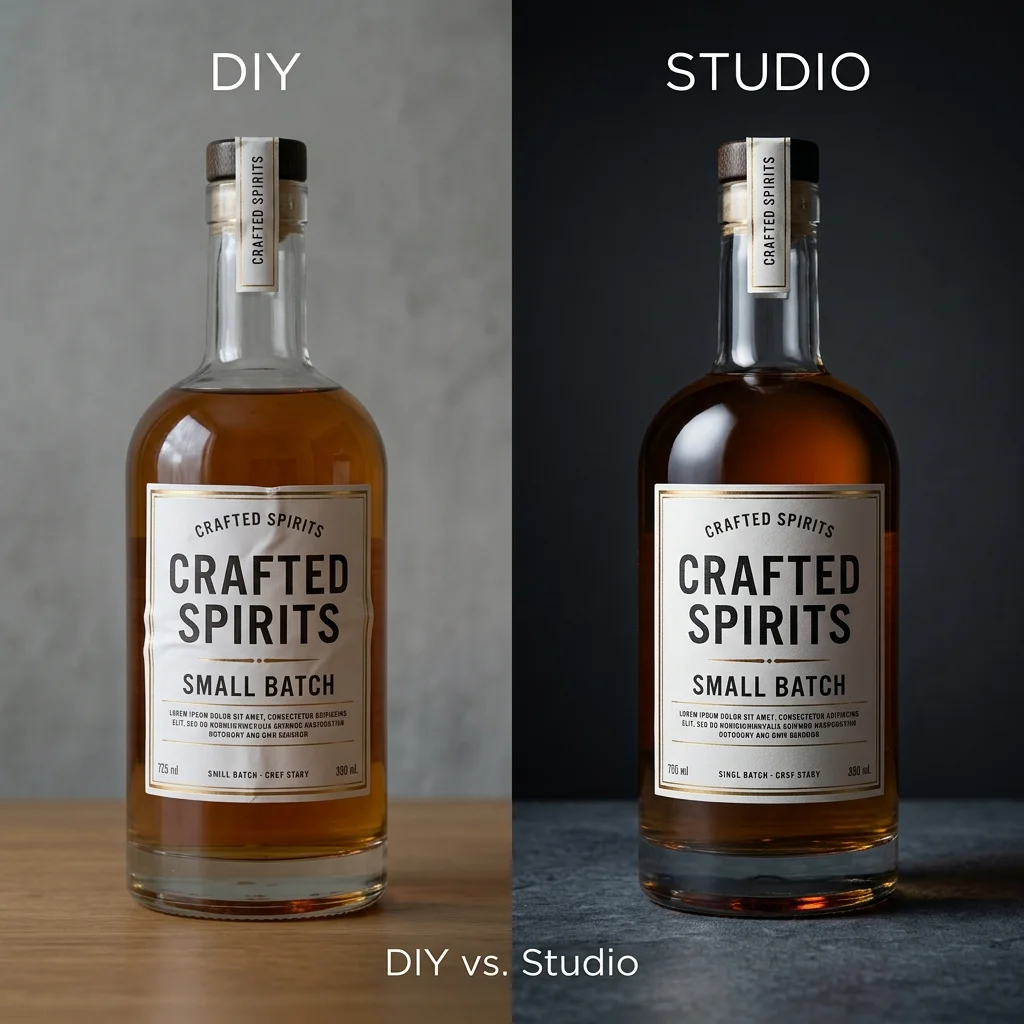
We wanted to know what a founder actually experiences when they try to replace a product shoot with AI tools alone. So we ran one: a skincare bottle, a fashion accessory, and a pair of shoes, through the standard DIY stack — Midjourney for base generation, an upscaler, a couple of retouching passes, and Kling for a short video cutdown.
The setup
No shortcuts. We used publicly available tutorials, the same prompt structures creators recommend, and gave ourselves a single afternoon — roughly what a founder squeezing this into a work week might realistically have.
What worked
Midjourney is genuinely good at hero shots with clean backgrounds and dramatic lighting — when the product is simple geometry (a bottle, a box) it can produce something usable in 15-20 generations. Kling handled a slow product rotation convincingly once we had a clean base image to animate from.
Where it broke down
If you already have product photos but no video content, Kurama Studios can turn those assets into polished product videos for ads, reels and landing pages.
Kurama Studios helps ecommerce brands create AI-powered product photography, video ads, reels and campaign assets from the product imagery they already have.
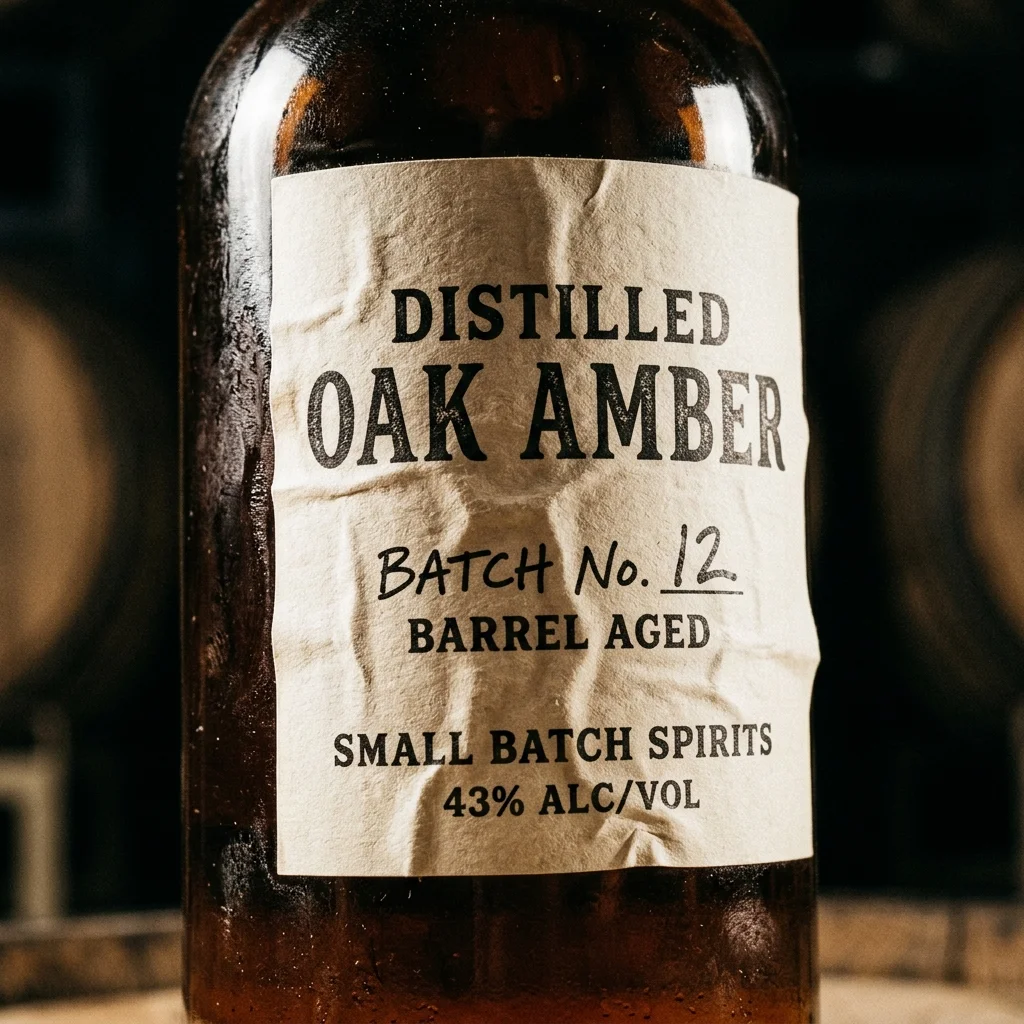
Labels warped or became illegible almost every time — small text is still the single biggest tell in AI product photography. Reflective surfaces (the shoe's patent leather, the bottle's cap) produced inconsistent highlights across generations, so nothing matched across the "set." And any shot involving a hand or partial body — someone holding the product — needed 3-4x more attempts before anatomy looked right.
The real number
Getting to five images we'd have been comfortable putting in front of a client took just under four hours, plus about 40 minutes of manual retouching in Photoshop to fix label legibility and colour matching across the set. That's before video.
Where this leaves a DIY brand
If you need one or two hero images and have time to spend, this stack can get you there. If you need a consistent set — the same lighting, same shadow logic, same product accuracy — across 15+ SKUs on a deadline, the manual QA and correction time compounds fast. That's the part that doesn't show up in the tutorials.
If you'd rather skip the four-hour afternoon and start from a finished set, that's the gap we built Kurama to close.