How to Make Your AI Generated Product Videos Look Professional
Avoid the "uncanny valley." Professional tips for ensuring your AI-generated product content looks high-end and trustworthy.
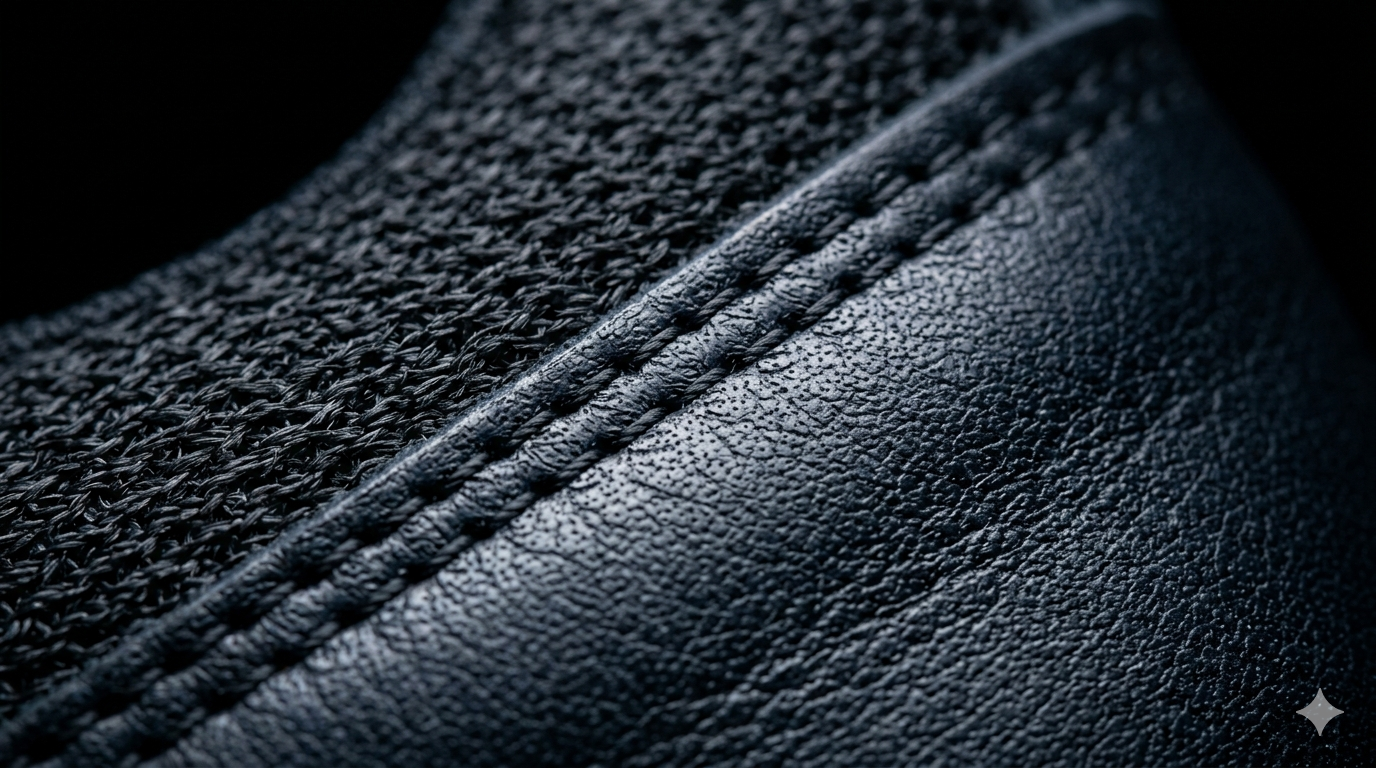
Bad AI is easy to spot. It looks blurry, the movement is jittery, and the product looks like it is floating. To use AI for a premium brand, you have to move beyond basic generations and focus on professional finishing.
Avoid these common mistakes
- —Jittery Motion: Movement that is too fast or inconsistent.
- —Lighting Mismatch: The product lighting doesn't match the background.
- —Distorted Labels: AI trying to "re-draw" your logo or text.
- —Generic Backgrounds: Using the same overused AI environments everyone else is using.
The professional fix
If you already have product photos but no video content, Kurama Studios can turn those assets into polished product videos for ads, reels and landing pages.
Kurama Studios helps ecommerce brands create AI-powered product photography, video ads, reels and campaign assets from the product imagery they already have.
To achieve a professional result, treat the AI output as a "raw" asset. Use professional editing software to colour grade the footage, add high-quality typography, and ensure the product remains the sharpest element in the frame.
At Kurama Studios, we use proprietary upscaling and stabilization techniques to ensure every video is crisp and the motion is cinematic. We also use manual compositing to keep your product labels perfect.
Consistency is key. If your website is premium but your ads look like cheap AI, you break the customer journey. We ensure your AI content matches your existing brand standards.