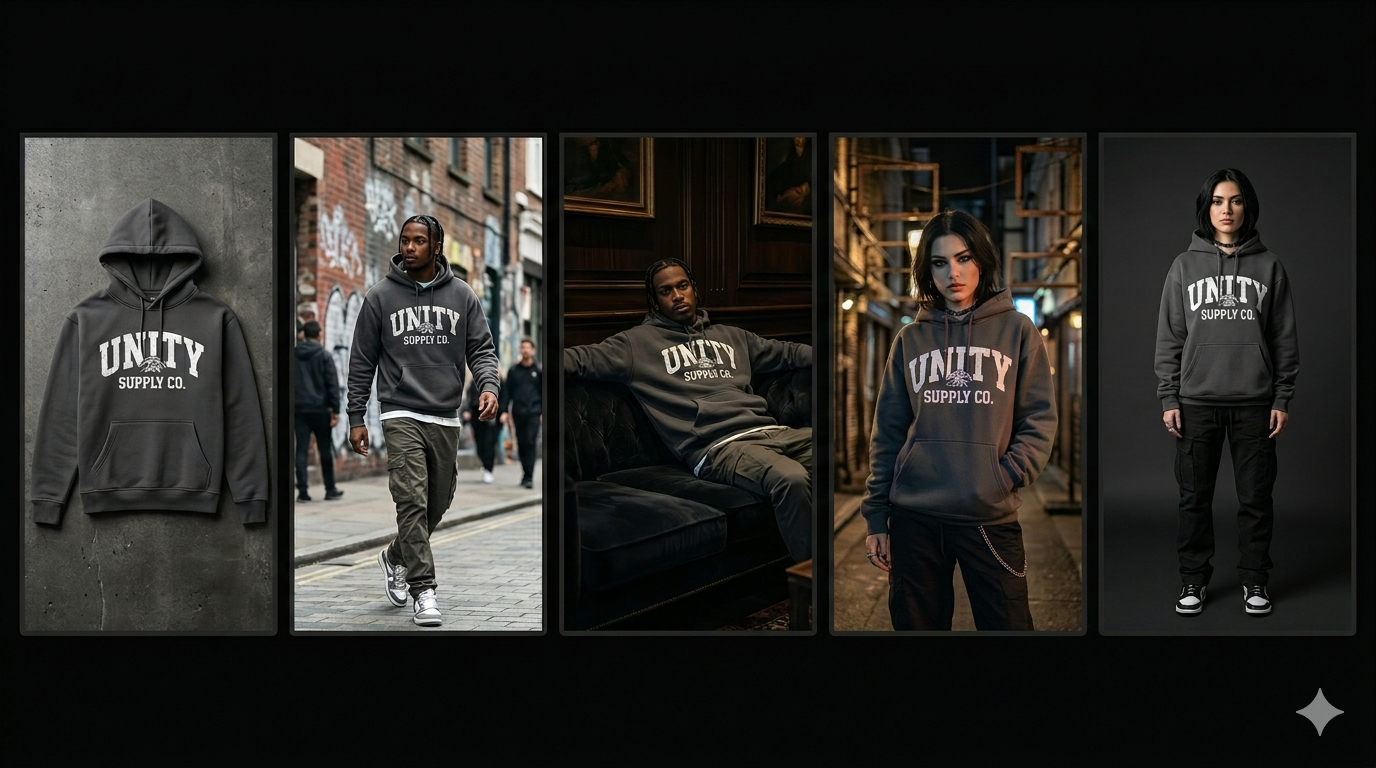
How to Create Product Videos with AI Without Hiring a Videographer
Learn how to transform your existing product photos into high-performing video ads using AI, without the need for expensive equipment or videographers.
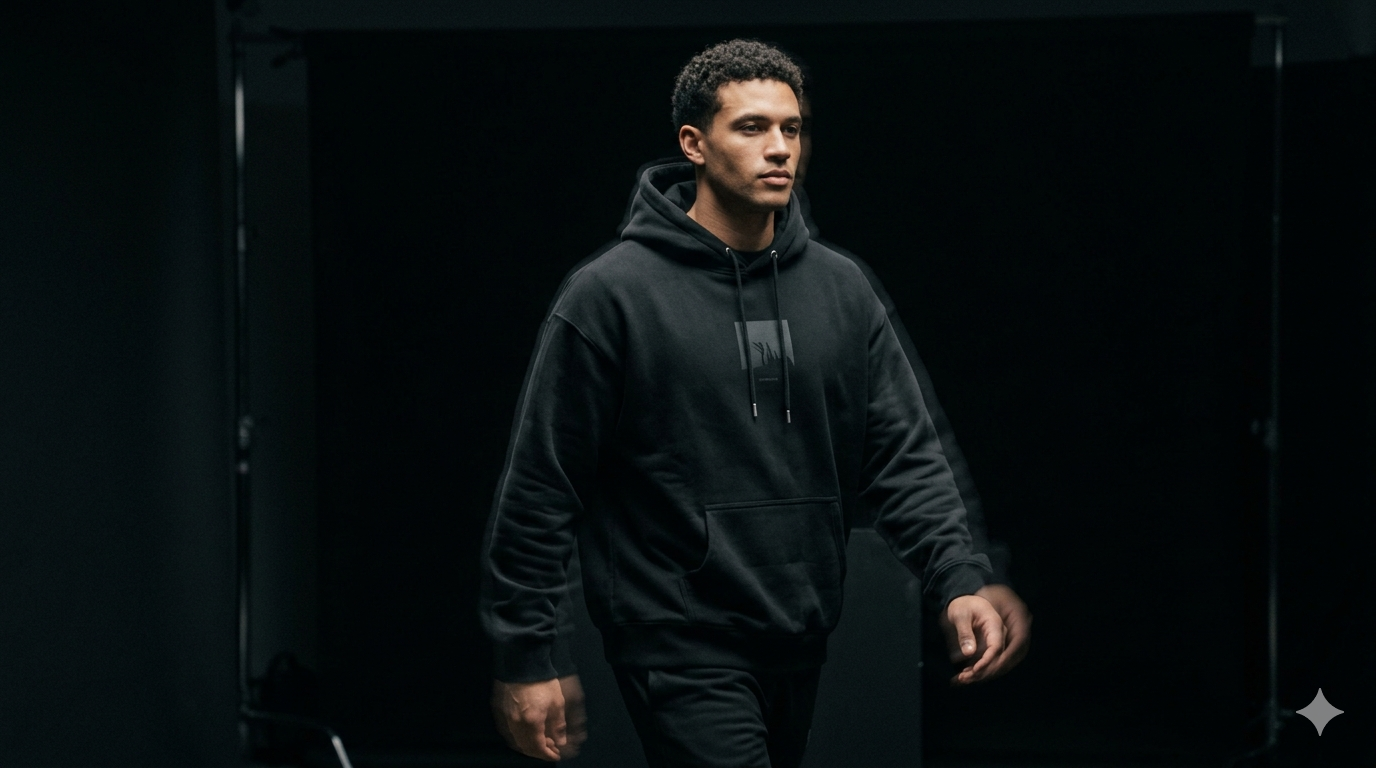
In the past, creating product videos meant hiring a videographer, booking a studio, and waiting weeks for the final edit. For many ecommerce brands, this cost and delay made video content an occasional luxury rather than a daily tool. That has changed.
AI technology now allows brands to generate high-quality product videos using only their existing product photos. This is not about low-quality slideshows; it is about cinematic, movement-based content designed for modern social platforms.
Step 1: Prepare your product assets
The quality of your AI video starts with the quality of your base image. Use a high-resolution photo with clear lighting. A clean "packshot" or studio photo works best as it allows the AI to accurately identify the product edges and texture.
Step 2: Define the creative concept
Before generating, decide what the video needs to accomplish. Are you showing the product in a lifestyle setting, or do you want a clean, minimalist loop? A skincare brand might want a slow, cinematic pan across the bottle with soft morning light, while a streetwear brand might need fast-paced, high-energy movement.
Common video concepts for AI:
If you already have product photos but no video content, Kurama Studios can turn those assets into polished product videos for ads, reels and landing pages.
Kurama Studios helps ecommerce brands create AI-powered product photography, video ads, reels and campaign assets from the product imagery they already have.
- —Cinematic Pan: A slow move across the product to show detail.
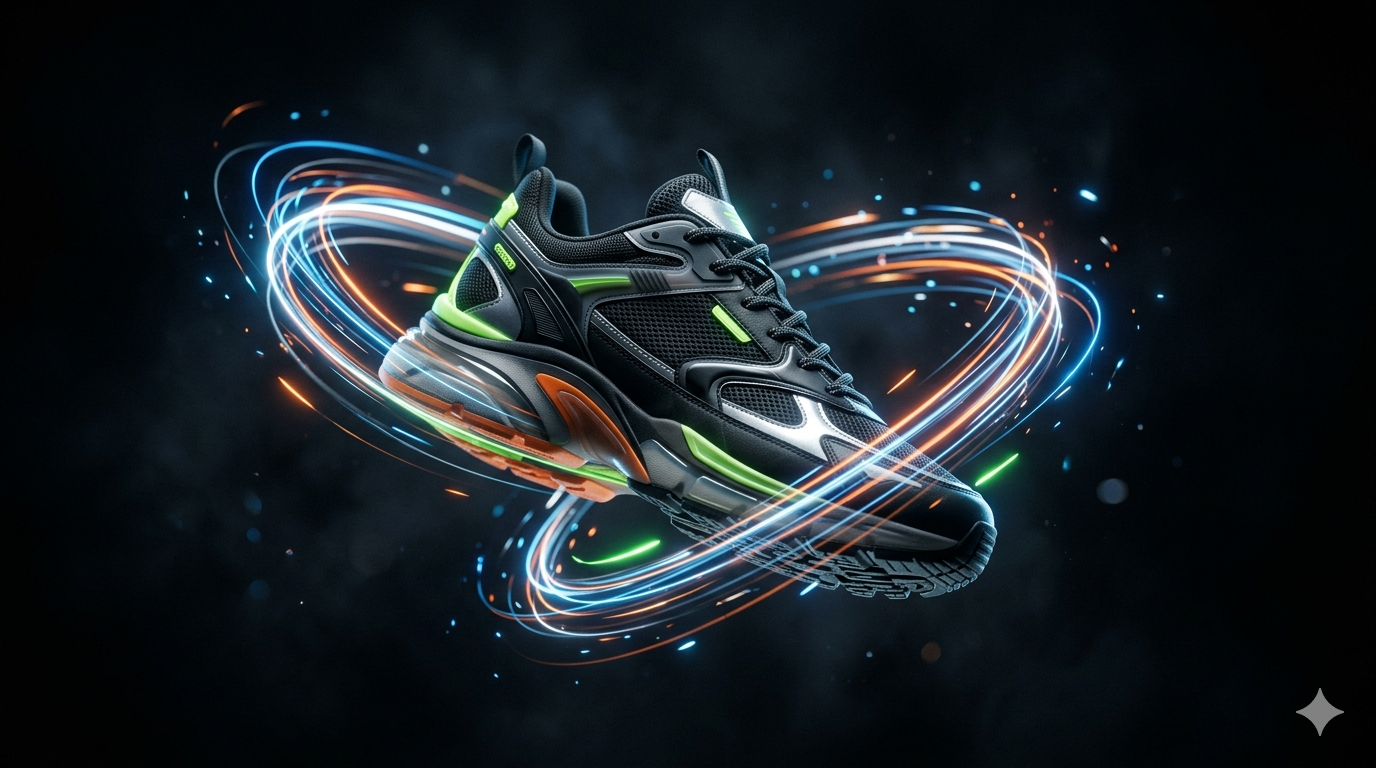
- —Dynamic Lighting: Shifting shadows to create depth and premium feel.
- —Environmental Transition: Changing the background while the product stays still.
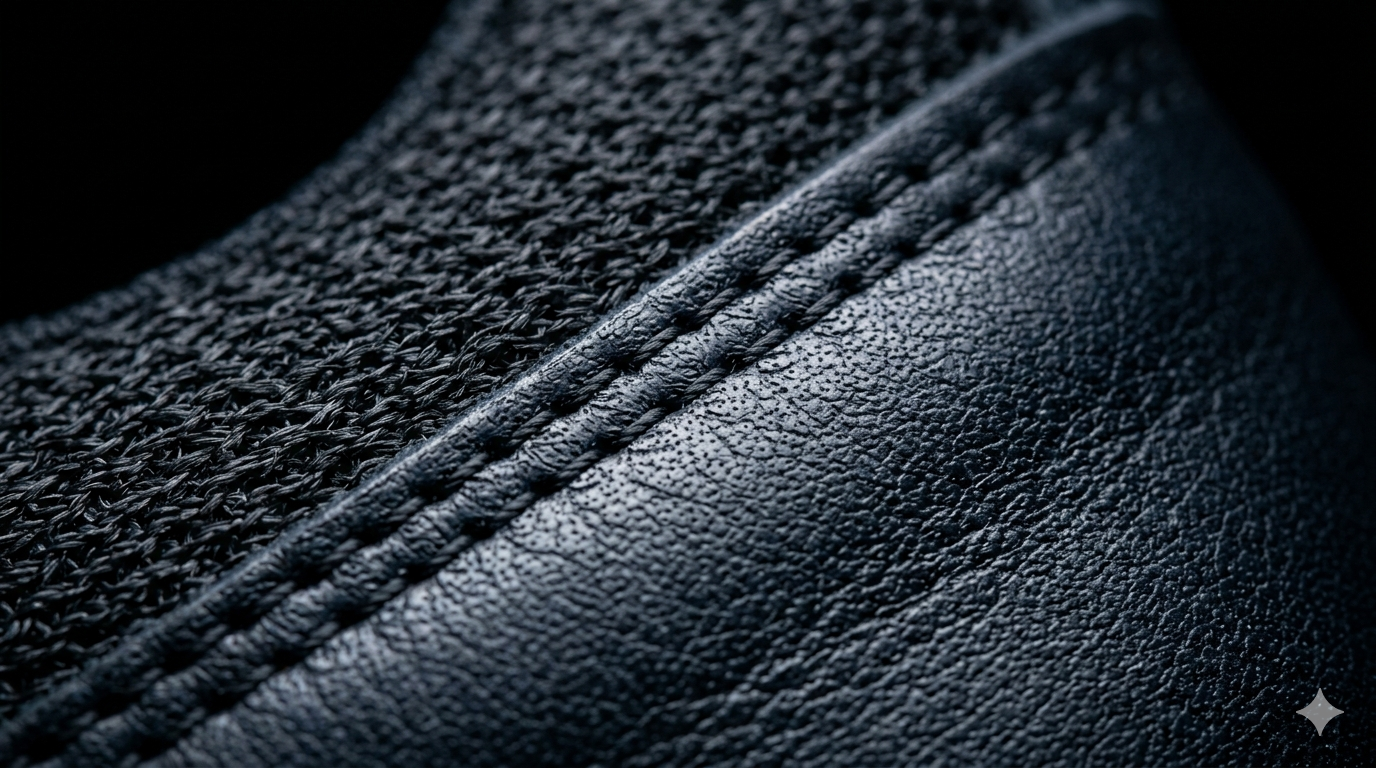
- —Macro Detail: Focusing on the texture and materials of the product.
Step 3: Creating the scene and movement
Using AI tools, you can describe the environment and the movement you want to see. Instead of filming, you are directing. You can specify camera angles, lighting temperature, and the intensity of the motion. The goal is to create enough movement to catch the eye in a busy feed without distorting the product.
Step 4: Editing for the platform
AI generates the visual, but you still need to edit for performance. This means adding captions, choosing the right aspect ratio (9:16 for TikTok/Reels), and ensuring the most important information appears in the first three seconds.
Creative direction is the difference between a video that looks like a technical demo and one that looks like a professional ad. Focus on pacing and buyer logic to ensure the video actually leads to a sale.