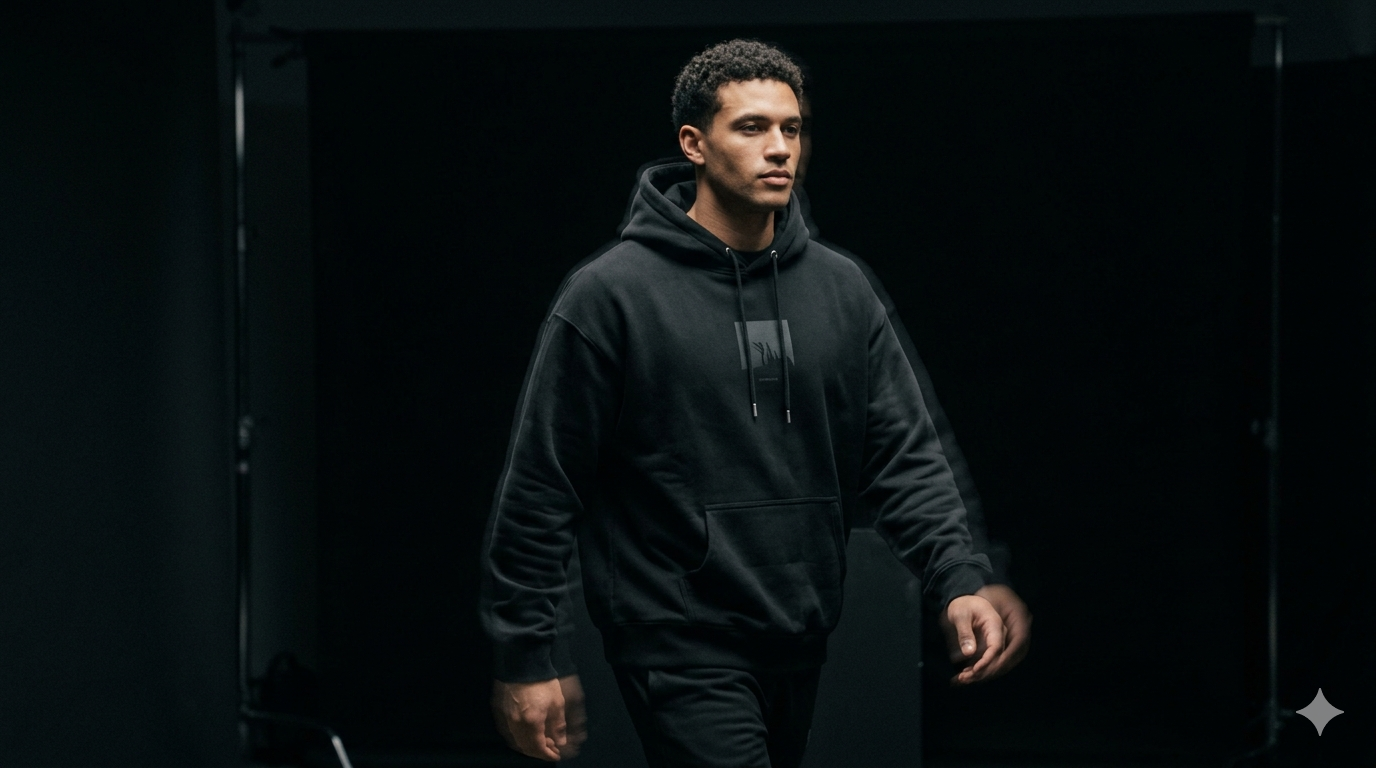
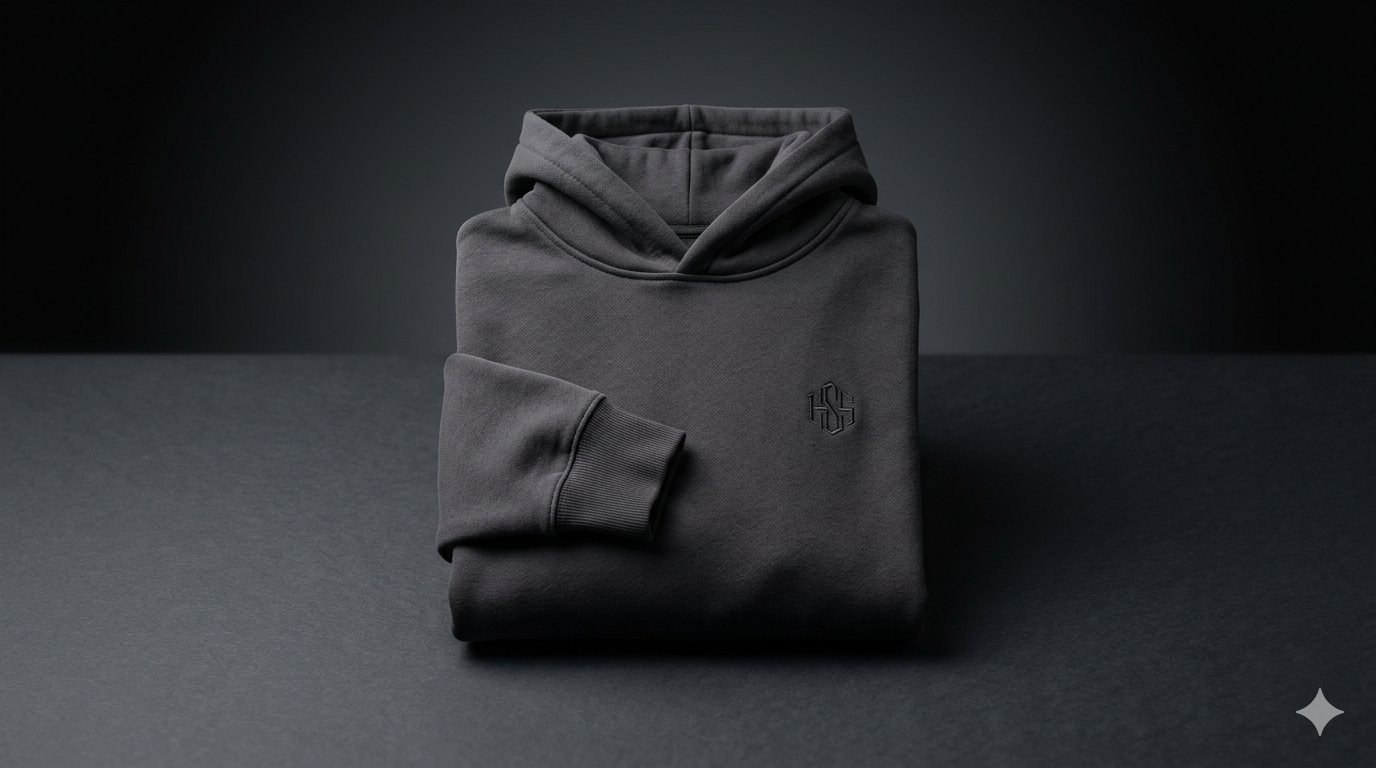
How to Generate Lifestyle Photos from Basic Product Pictures
Transform your boring packshots into aspirational lifestyle imagery. A guide to using AI to place products in any setting imaginable.
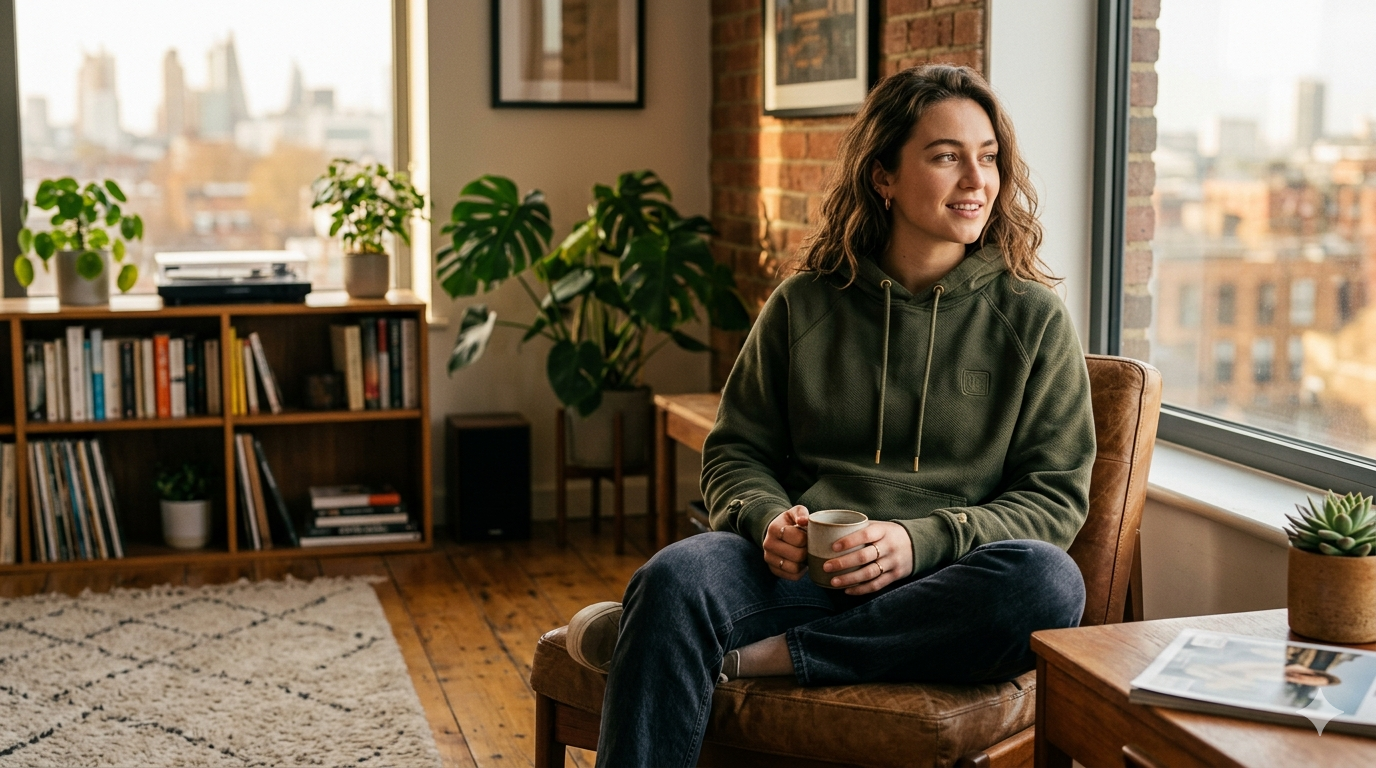
Many brands are limited by their existing photography. You might have great studio shots but no images of your product "in the wild." Traditionally, fixing this required a lifestyle shoot with models and locations. Now, you can generate those scenes digitally.
Choosing the right base image
To get a realistic lifestyle image, start with a product photo taken from an angle that makes sense for a real-world setting. A top-down "flat lay" shot is great for a desk scene, while an eye-level shot is better for a shelf or countertop.
Matching the environment to the brand
AI allows for infinite locations, but you should stay within your brand guidelines. If you sell premium, high-end skincare, your lifestyle scenes should feel minimalist and airy. If you sell outdoor gear, the scenes should be rugged and textured.
If you already have product photos but no video content, Kurama Studios can turn those assets into polished product videos for ads, reels and landing pages.
Kurama Studios helps ecommerce brands create AI-powered product photography, video ads, reels and campaign assets from the product imagery they already have.
Maintaining product fidelity
The most common mistake in AI lifestyle photography is "hallucination," where the AI slightly changes the product label or shape. At Kurama Studios, we use advanced masking and compositing techniques to ensure your product remains 100% untouched while the world around it changes.
Best settings for lifestyle generation:
- —Skincare: Marble surfaces, soft morning light, spa-like environments.
- —Supplements: Modern kitchens, gym bags, natural wood textures.
- —Fashion: Minimalist lofts, urban streets, clean studio backgrounds.
- —Home Goods: Lived-in living rooms, textured linens, natural shadows.